
Choosing favourites can feel harder than expected when several photographs capture a moment you love. You do not have to select every pose or choose the image with the most elaborate background. Start with the photographs you would most like to keep looking at: a familiar expression, a small hand resting against yours, or the way your children lean towards each other.
Choose the moment before the editing details
Look through the delivered gallery once without trying to make a final decision. Then make a shortlist based on expression, connection and variety. If two photographs are very similar, compare what changes between them. You might prefer the softer expression in one, or the way a hand is placed in the other. Keep both when each tells you something different; otherwise, choosing one leaves room for another moment.
For a family portrait, look at everyone in the photograph. Check that you like the expressions and interaction as a whole, rather than choosing only the strongest individual smile. A peaceful sleeping baby or a calm, curious awake expression can be just as meaningful as a smile.
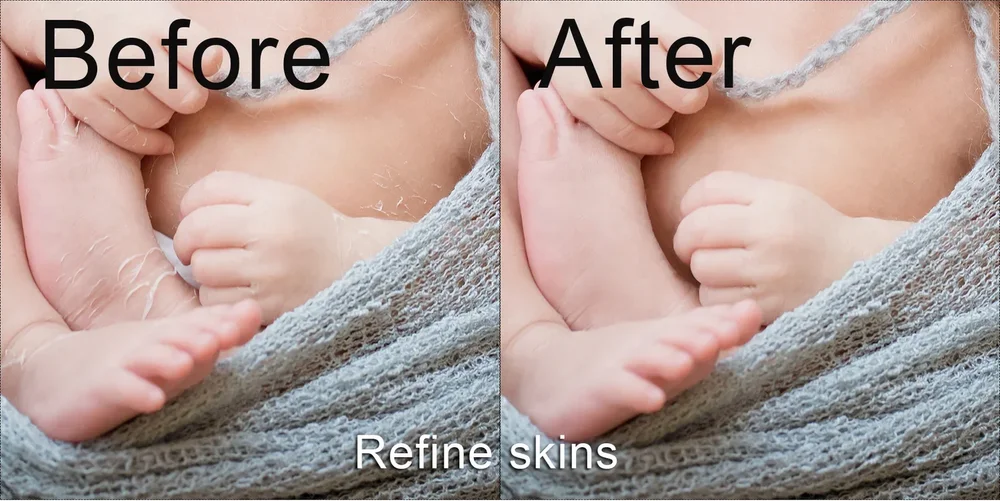
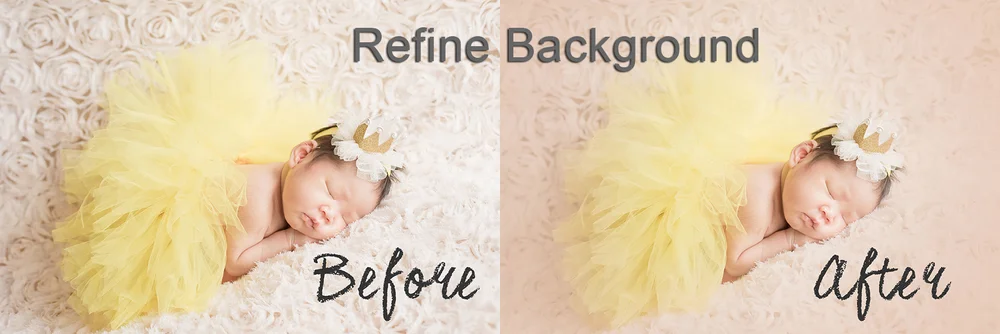
Your gallery already has Basic Retouching. Further Retouching adds individual refinement to your selected photographs. Our retouching information explains the distinction. Choose the photograph itself first, then tell us about any small detail you would like us to review. If you are unsure whether a change is suitable, ask before finalising that selection rather than assuming every adjustment is possible.
Build a balanced selection and send clear photo IDs
Spread your choices across the moments that matter to you. You could include a baby portrait, a close detail and a family connection, rather than several nearly identical frames. This is a suggestion, not a required formula. If your favourite photographs are all from one setup, your selection can reflect that.
Think about how you want to enjoy the finished photographs. A close portrait may be the image you want on your wall, while a wider frame may help tell the story in an album. If you are considering a printed product, discuss the intended size and layout before assuming that every crop will suit it. Albums and other products can be ordered separately; current options are available through our package information.
Check the selection allowance in your confirmed package. Once you are happy with your choices, send the photo IDs or screenshots so we can identify the exact files. Keep requests beside the relevant ID to avoid mixing up similar photographs. First Year Bundle clients follow a different selection stage: the first two sessions provide Basic Retouch galleries, and the 30 Further Retouch selections are made after Session 3.
If you would like more photographs refined, ask about additional selections before submitting your final list. For help identifying a photo or discussing an edit, contact Mamamiyo with the relevant photo ID. Once your final digital photographs arrive, download and save your own copies.
